All your characters, in one place.
Torvin's Logbook is an addon for WoW Forever. It keeps your route, notes and journal in the game, tracks the items and rares you are after, and shows every character's bags, professions, reputation and gold.
The companion app
Your characters on the web
The companion is an optional Windows app. It uploads the addon's data here after every logout or /reload, so you can look up your characters from anywhere, and it brings your route, notes, tracker and crafting plans from this site back into the game. You can download everything it uploads as JSON whenever you like.
What it syncs, for every character
Nothing is public unless you turn on a character's public page. You can download all of it as JSON, or delete it, at any time. Privacy
01 Characters
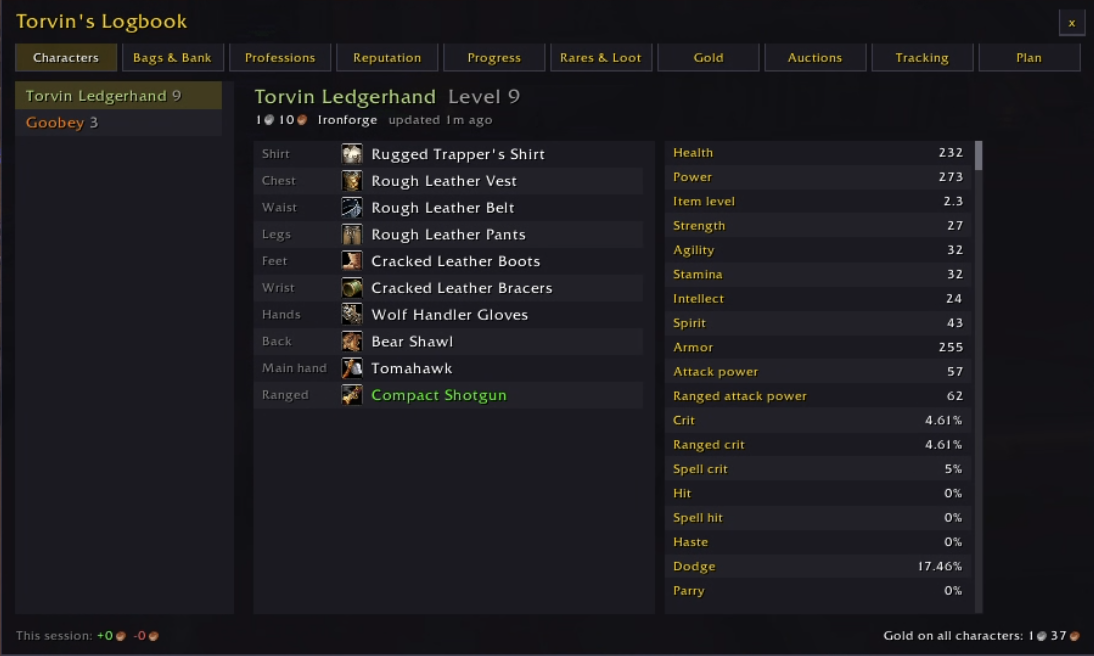
Check on any character
Pick a character to see its level, gold, zone, gear and stats, even while you are playing someone else.
- Every equipped item, with icon and quality
- Health, armor, crit, hit, dodge and the rest
- Gold, zone and when you last played them
Also on torvins.net with the companion
02 Bags & Bank
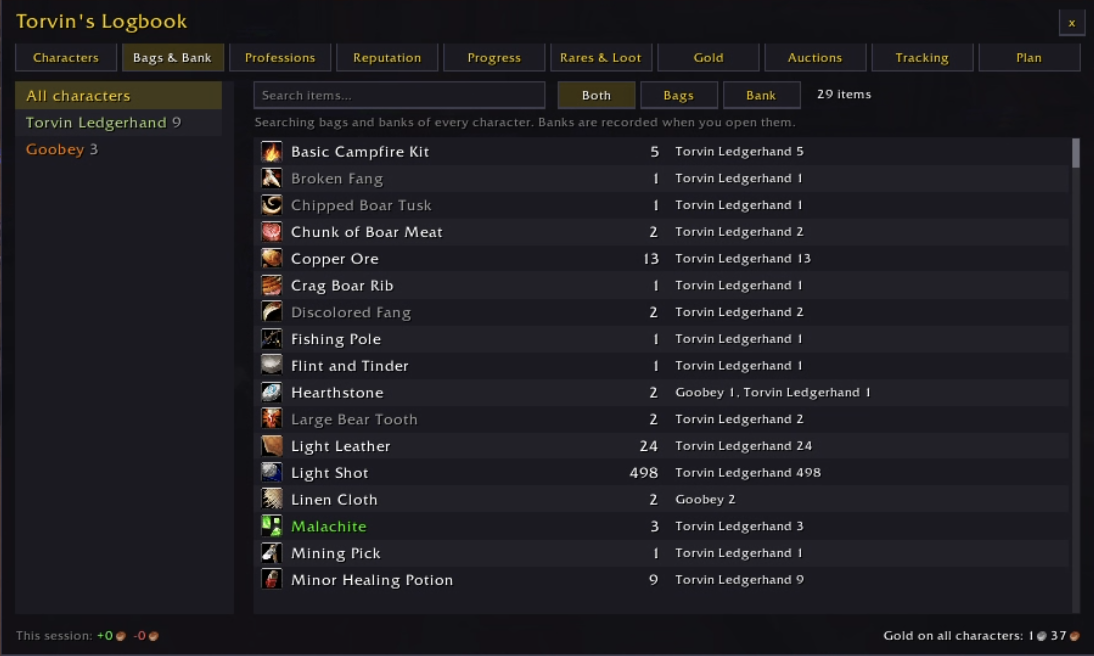
Find anything, on any character
Search the bags and banks of every character at once, or look at one character and see when its bank was last opened.
- All your characters in one search
- Bags, bank or both
- See who holds what, and how many
Also on torvins.net with the companion
03 Professions
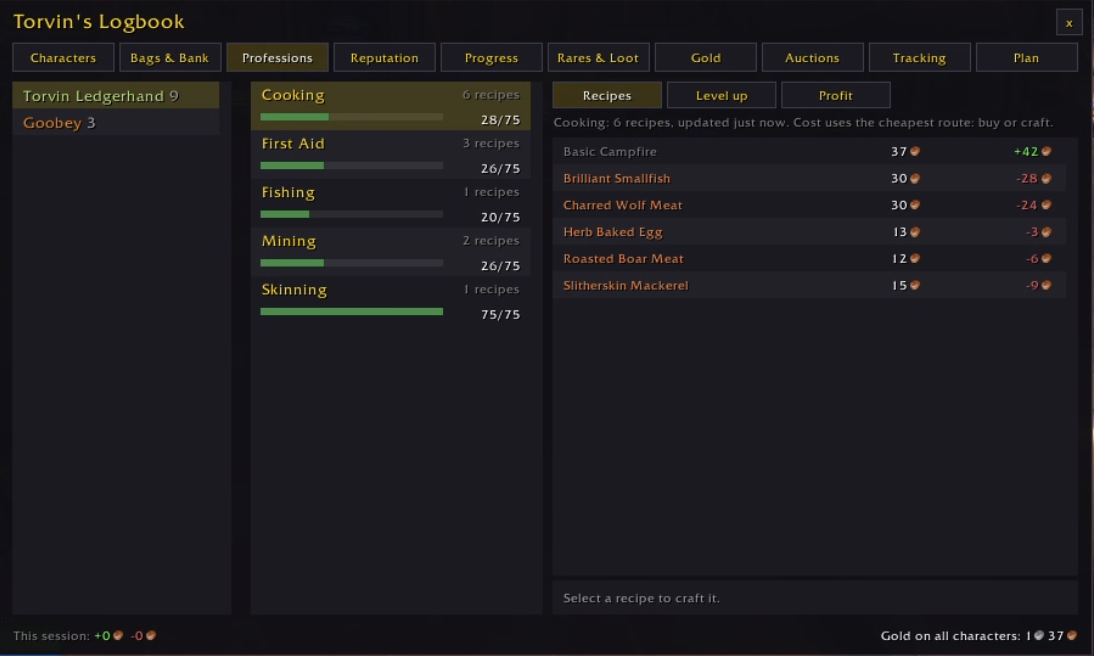
Craft for profit
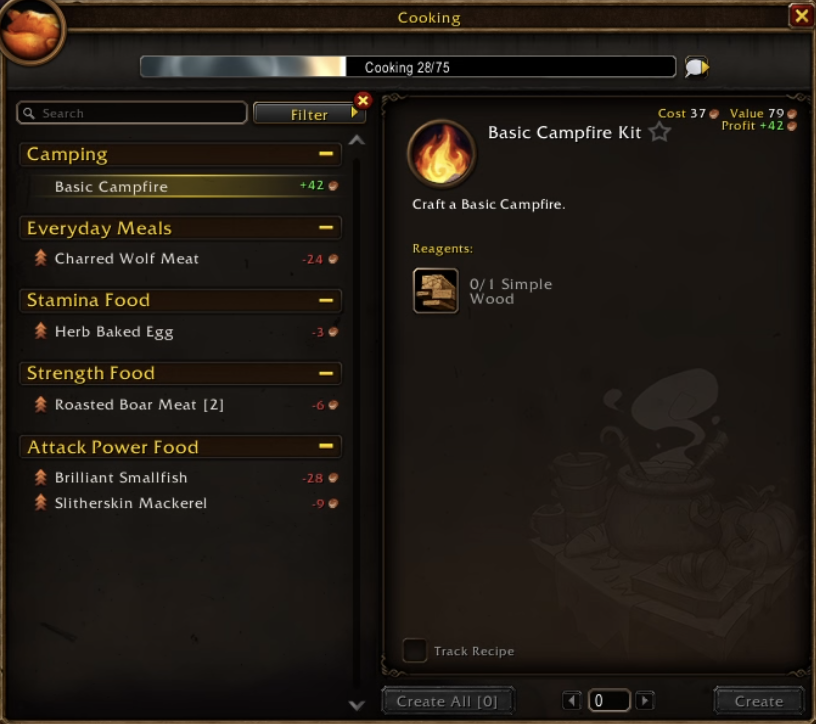
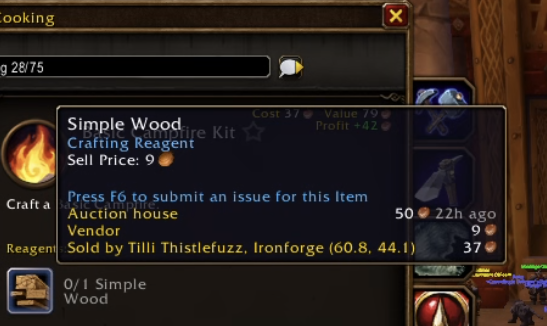
Skill levels for every character, and every recipe they know with its cost and profit. It also lists the cheapest recipes to level with right now and your most profitable crafts. Cost assumes you buy each part or craft it, whichever is cheaper.
- Cost and profit for every recipe you know
- The cheapest recipes to level with right now
- The most profitable crafts, including ones made from other crafts
Also on torvins.net with the companion
04 Gold
Where the gold went
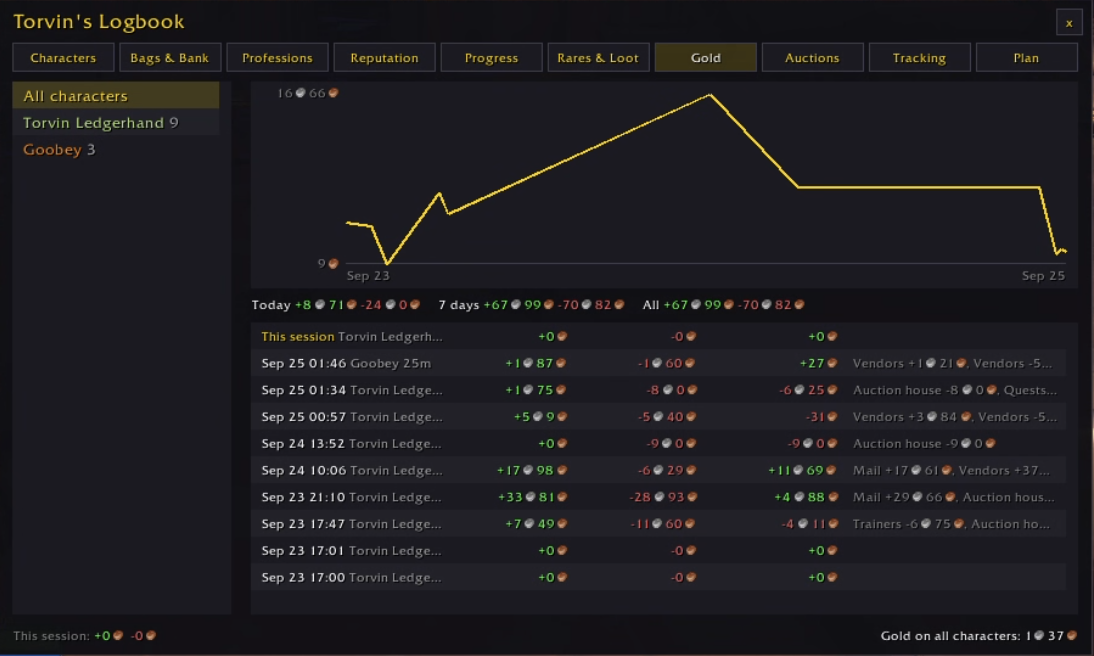
Gold over time for one character or the whole account, and the money earned and spent in every session.
- A graph per character or for the account
- Today, 7 days and all time
- Every session split into vendors, mail, quests and the auction house
Also on torvins.net with the companion
05 Auctions
Watch your auctions
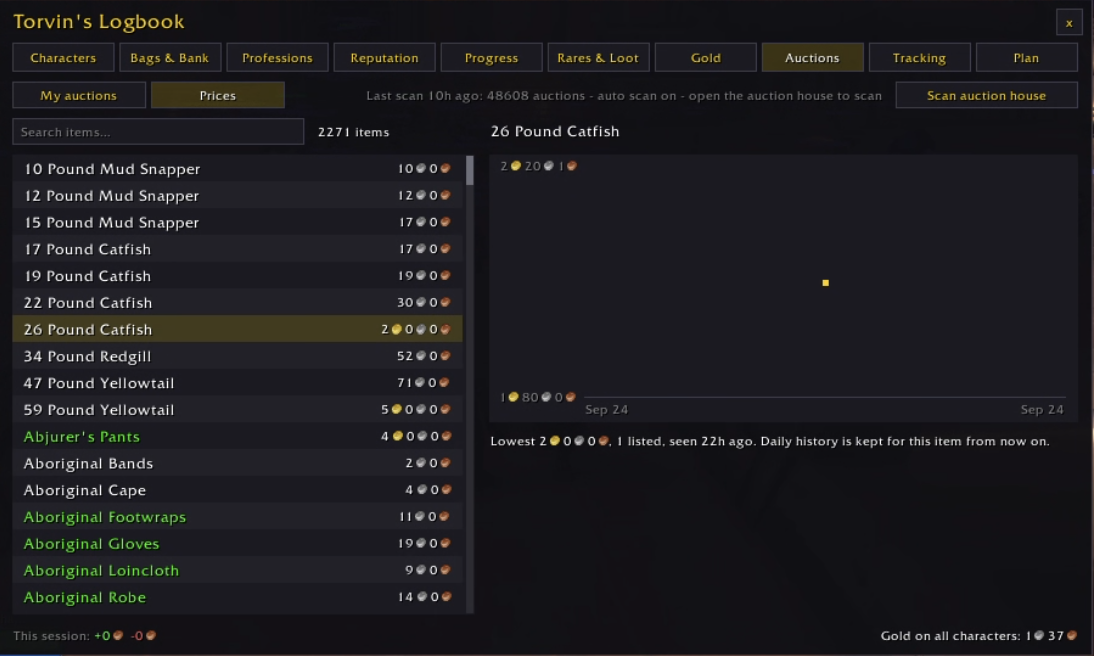
Your auctions on every character, with a warning when someone undercuts you. Auction house prices come with a graph of how they changed, and one click scans the whole auction house.
- Undercut warnings on your listings
- Daily price history for any item
- Auto scan when you open the auction house
Also on torvins.net with the companion

06 Tracking
Know when it shows up
Track rares and items. The addon tells you when one is nearby, when it drops, or when a quest rewards it.
- Track by name, or pick from everything your addon has seen
- Rare alerts on screen, item alerts in chat
- Marked looted or killed as you play
Also on torvins.net with the companion
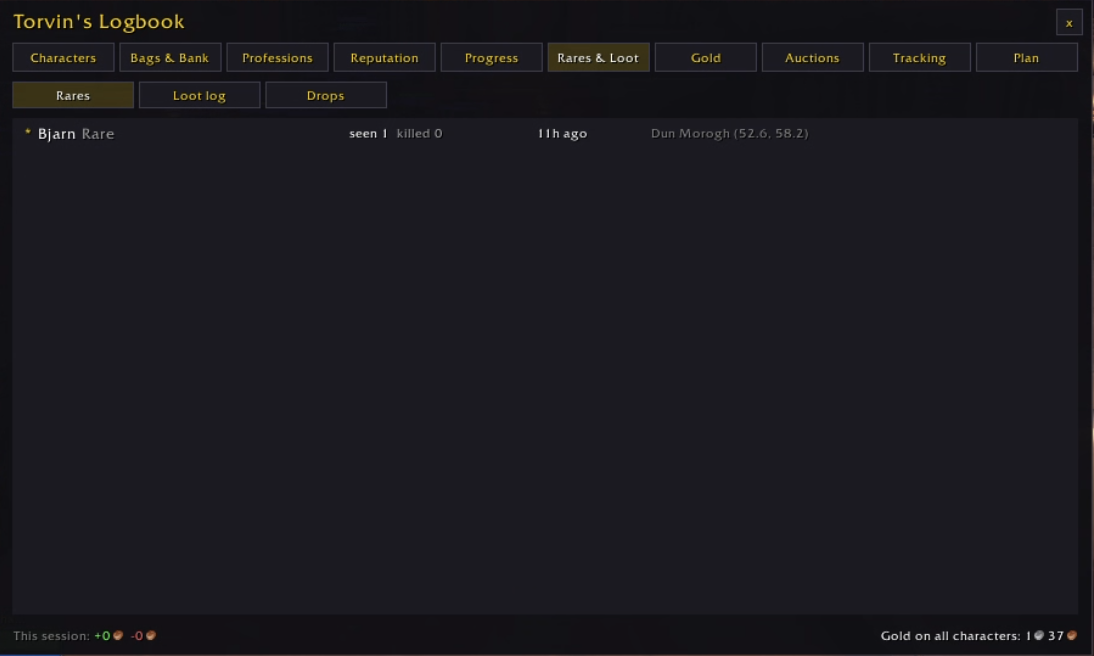
07 Rares & Loot
Every rare you have met
Rare sightings and kills, a log of everything you looted, and drop statistics per creature.
- Where and when each rare was last seen
- A loot log across all your characters
- Drop rates from your own kills
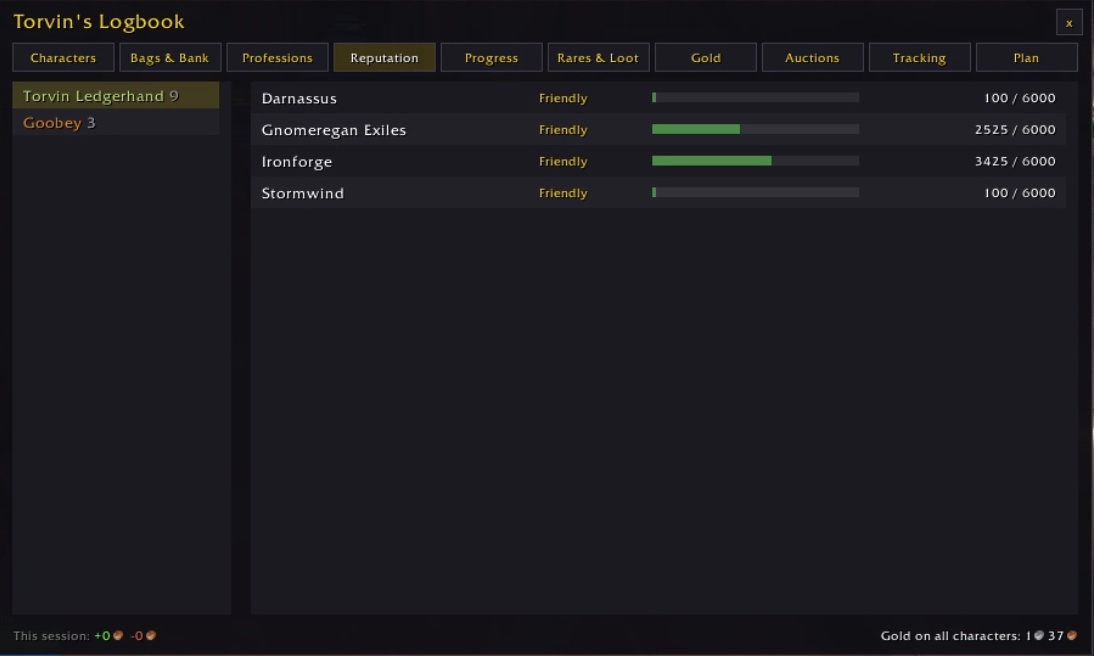
08 Reputation
Standing with every faction
Every character's reputation with progress bars, side by side.
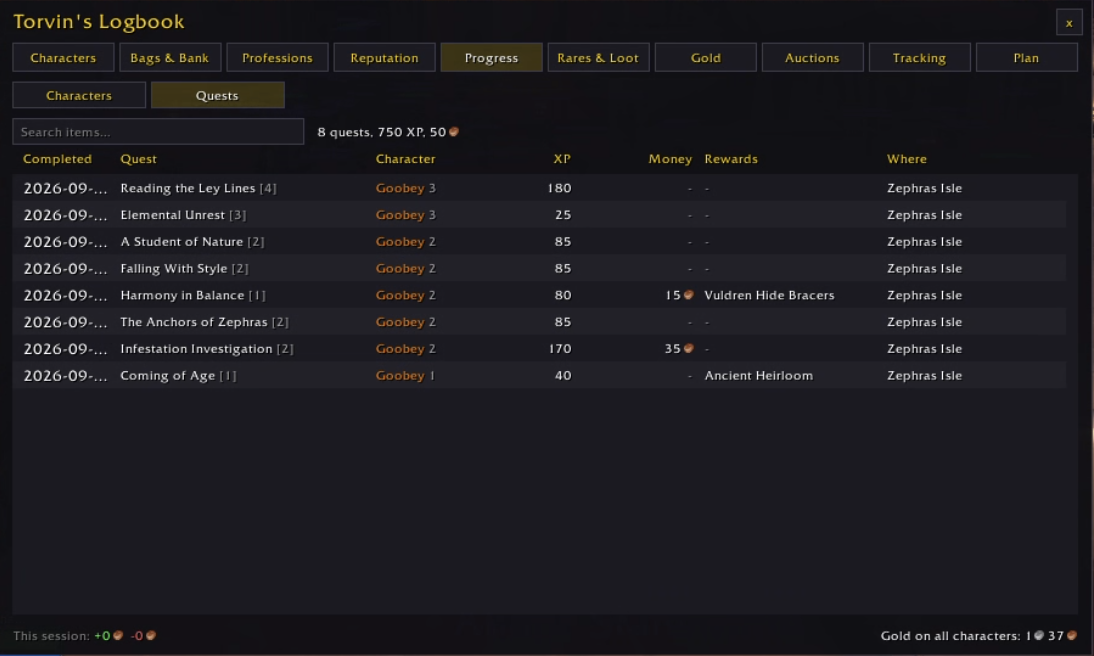
09 Progress
Every quest you have finished
When you completed it, on which character, the XP, money and rewards it gave, and where.
10 Plan
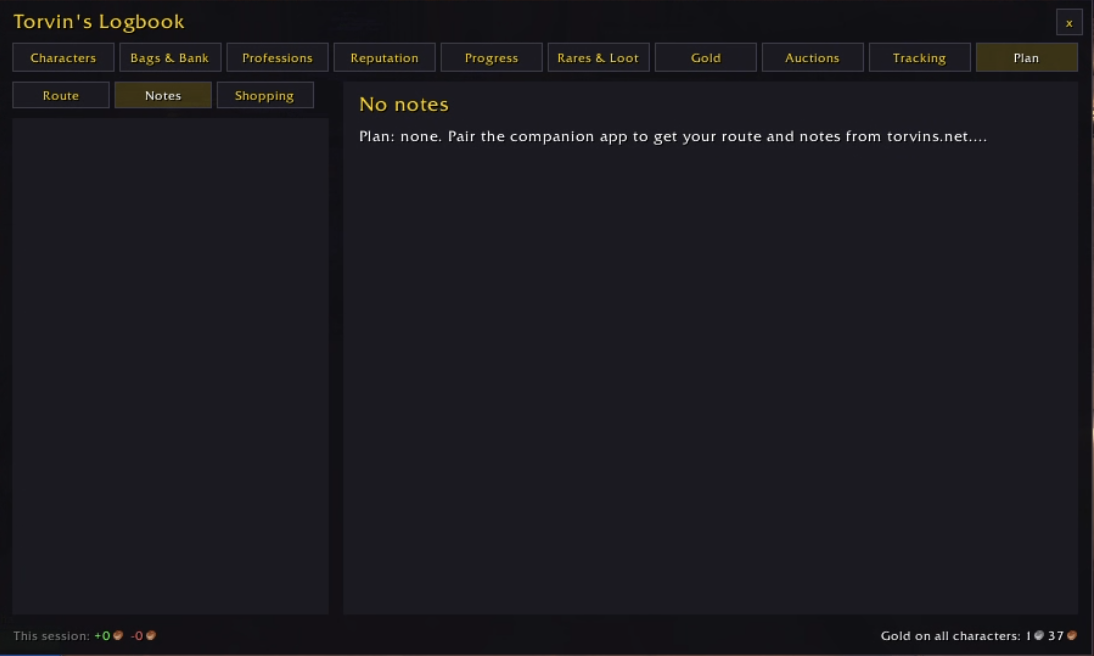
Plan here, follow it in game
Write your route, field notes and crafting plans on torvins.net. The companion brings them into the addon, which shows the stop you are on and can point a waypoint at it. Tick stops off as you go.